Interface


The web UI, page by page
Chat, models, hardware, automations, logs, files, and a live terminal. Everything ships in the same multi-user interface.
-

fig 01 Dashboard: service health, activity, and hardware at a glance open -

fig 02 Chat: agent research with sources and image context open -

fig 03 Automations: scheduled work, status, and controls open -

fig 04 Prompts: reusable instructions in one searchable library open -

fig 05 Models: local and remote catalogs in one place open -

fig 06 Hardware: live memory, storage, and utilization open -

fig 07 Metrics: requests, tokens, latency, and model activity open -

fig 08 Terminal: command-line access without leaving the WebUI open -

fig 09 Files: browse and manage server content open -

fig 10 Files: preview and work with text documents open -

fig 11 Files: inspect images in the built-in preview open -

fig 12 Files: play audio with a full waveform timeline open -

fig 13 Files: watch video directly in the browser open -

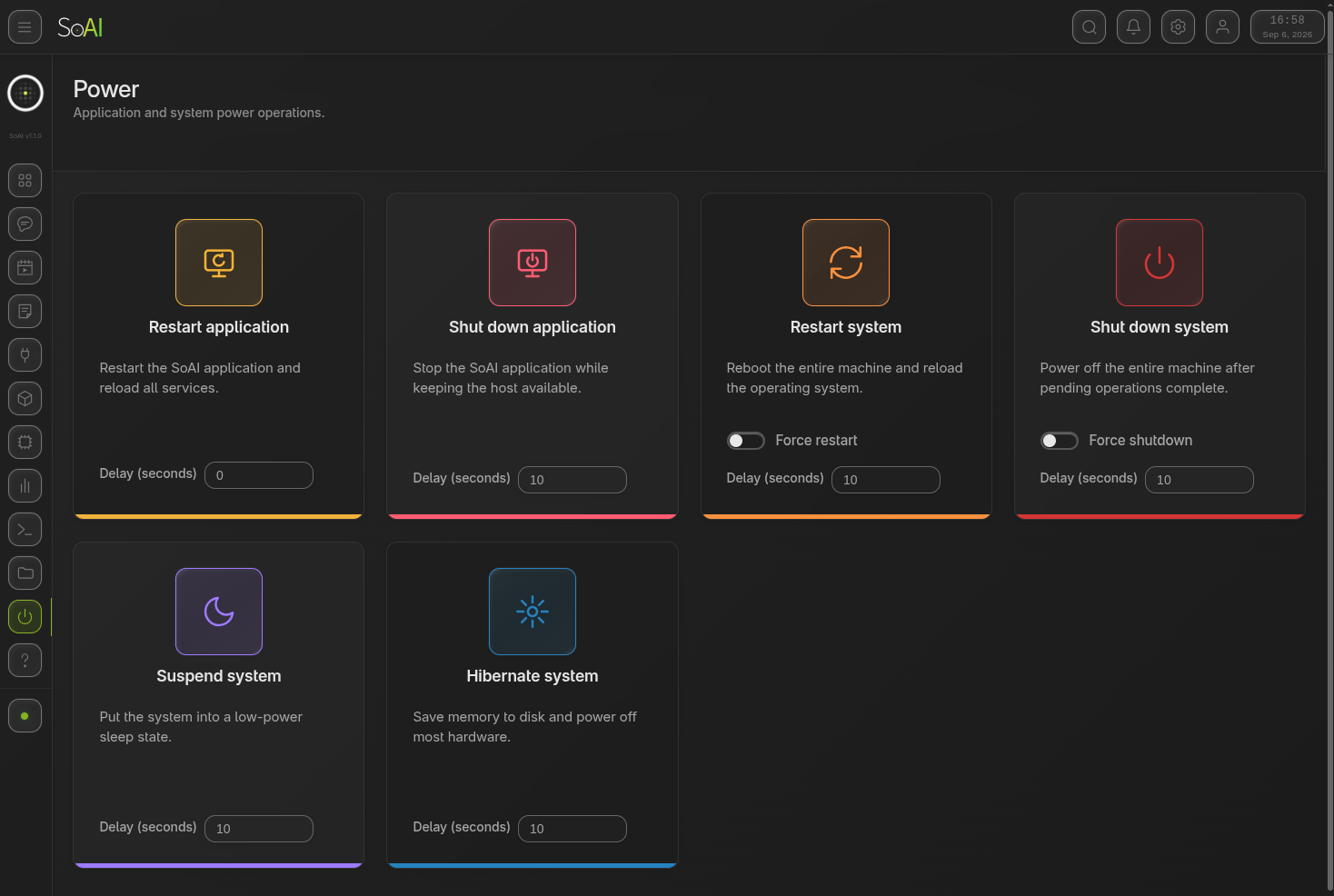
fig 14 Power: application and system lifecycle controls open -

fig 15 Search: find resources across the entire system open -

fig 16 Logs: real-time backend activity and task progress open -

fig 17 About: product identity, platform, and license details open -

fig 18 Advanced settings: tune runtime behavior in detail open -

fig 19 Personalization: a bright, minimal light theme open -

fig 20 Personalization: warm amber accents and wallpaper open -
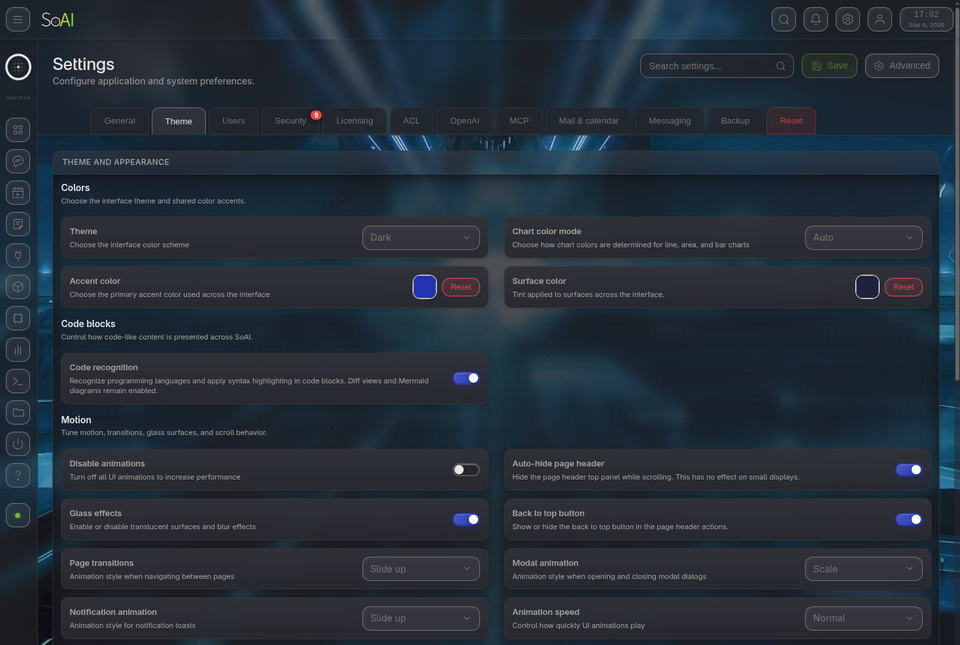
fig 21 Personalization: cool cyan accents and wallpaper open -

fig 22 Personalization: vivid ember accents and wallpaper open -

fig 23 Personalization: expressive magenta accents and wallpaper open -

fig 24 Personalization: electric lime accents and wallpaper open